Top Productivity Tips for Using a Trader Terminal
A trading platform can execute orders in milliseconds, but that does not automatically make its user efficient. Many traders spend more time switching between charts, searching for information, and adjusting layouts than actually evaluating opportunities. A well-organized trader terminal can reduce that friction and make decision-making more consistent throughout the trading day.
Productivity in trading is different from productivity in most jobs. The goal is not to place more trades or stare at charts for longer hours. It is to remove unnecessary actions so that attention stays on market conditions instead of software navigation.
That distinction becomes increasingly important when volatility suddenly accelerates.
1. Build a Workspace Around Your Strategy
One of the most common mistakes is creating a layout that tries to display everything at once. Multiple watchlists, dozens of indicators, several news feeds, and charts across every timeframe may look impressive, but they often compete for attention.
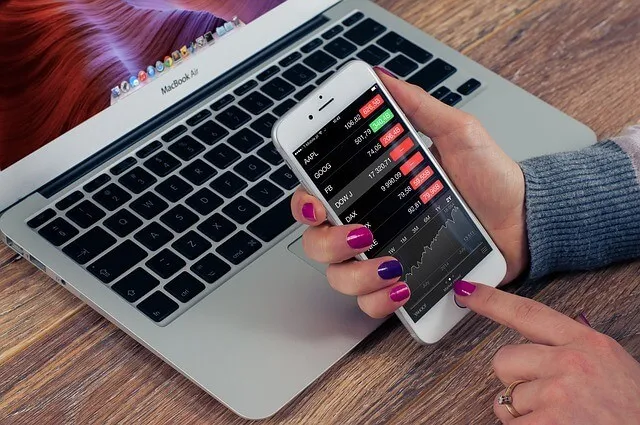
Image Source: Pixabay
Instead, organize your workspace around how you actually trade. A day trader may prioritize a one-minute chart, economic calendar, order book, and open positions. A swing trader might benefit more from daily charts, sector performance, and longer-term trend indicators.
If you rarely use a panel during active trading, consider removing it. A cleaner screen often leads to faster decisions because fewer distractions compete for your attention.
2. Let Alerts Do Part of the Work
Many beginners believe productive traders constantly monitor every price movement. In reality, experienced traders often rely on alerts to notify them when predefined conditions are met.
Price alerts, volatility notifications, and economic calendar reminders allow traders to focus on analysis instead of watching every candle form. That reduces fatigue during long trading sessions while ensuring important opportunities are less likely to be missed.
Ironically, spending less time staring at charts can sometimes improve decision quality.
3. Prepare Before the Market Opens
Consider a trader preparing for the release of the U.S. Consumer Price Index. Before the announcement, support and resistance levels are already marked, relevant currency pairs are added to a watchlist, and potential entry scenarios have been outlined. Once the data is released, the trader spends time evaluating price behavior instead of scrambling to organize charts.
Preparation transforms fast-moving markets from chaotic to manageable.
This approach also reduces emotional decision-making because key scenarios were considered before volatility increased.
4. Review Your Workflow, Not Just Your Trades
Most traders review profits and losses but rarely examine how efficiently they worked throughout the session. That can be a missed opportunity.
Did you repeatedly search for the same market information? Were you opening identical chart templates throughout the day? Did unnecessary notifications interrupt your focus?
Small workflow improvements can accumulate over weeks and months. Saving chart templates, organizing watchlists by asset class, and assigning keyboard shortcuts may only save seconds each time, but those seconds add up during busy trading sessions.
The objective is to reduce repetitive actions without sacrificing analysis.
A productive trader terminal supports that process by allowing routine tasks to become almost automatic, leaving more mental capacity for interpreting price action and managing risk.
The most valuable upgrade to your trading setup may not be another indicator or a larger monitor. It could simply be a workspace that reflects how you actually make decisions. Spend a few minutes reviewing your daily routine, remove features that rarely contribute to your strategy, and let the platform work for you instead of requiring constant attention.